
Can you do ranking questions in Google Forms?
“No. There are no proper ranking questions in Google Forms. The closest option is a Multiple Choice Grid, which doesn’t fit on a phone screen and needs fussy manual configuration, and the only alternative, a Linear Scale, removes the comparison that makes ranking useful. Plenty of blog posts tell you the grid works; it doesn’t.”
The three ranking methods that actually work are drag-and-drop Order Rank (for short lists), Pairwise Comparison (head-to-head votes, best for long lists, mobile and images), and Points Ranking (distribute a budget of points to show the magnitude of preference). All three are free on OpinionX. For a full comparison of every ranking tool, see our guide to the best free ranking survey tools.
Why Google Forms can't do ranking properly
Plenty of guides say you can build ranking questions in Google Forms. You can't, not properly. They point you at the "Multiple Choice Grid" question, but as the screenshot below shows, it can't even fit a desktop screen, never mind a phone, and most online surveys are now taken on mobile (over 56%).

On top of that, you have to configure the grid by hand to make it work for ranking at all, setting response limits and requirements on the rows and columns.
Google Forms' only other option is a "Linear Scale" question, like the example below:

But linear scales have no comparison, and comparison is the whole point of ranking. If a survey is meant to inform a big decision, it should recreate that decision for participants. Ranking forces people to weigh the options against each other and show what matters most. A linear scale asks them to rate each option on its own, which isn't the data you need.
MeasuringU's 2020 literature review of rating-scale effectiveness found three problems: you need a lot of scale points to get good data, more scale points lower completion rates, and people from different parts of the world interpret rating scales differently. So don't reach for a Linear Scale either.
Here are the formats that work better, for your research and your participants' sanity.
3 ranking methods better than Google Forms
| Method | What it does | Best for |
|---|---|---|
| Drag-and-Drop (Order Rank) | Drag options into your preferred order | Short lists (up to about 10 options) |
| Pairwise Comparison | Head-to-head votes, scored by win rate | Long lists, mobile, and ranking images |
| Points Ranking | Distribute a budget of points across options | Showing the magnitude of preference |
1. Drag-and-Drop Rank Ordering
This is probably what you wanted in the first place. People drag a list of options into their preferred order, and each option's average position across participants gives the final score. More on Order Rank, or create an Order Rank question for free.

2. Pairwise Comparison
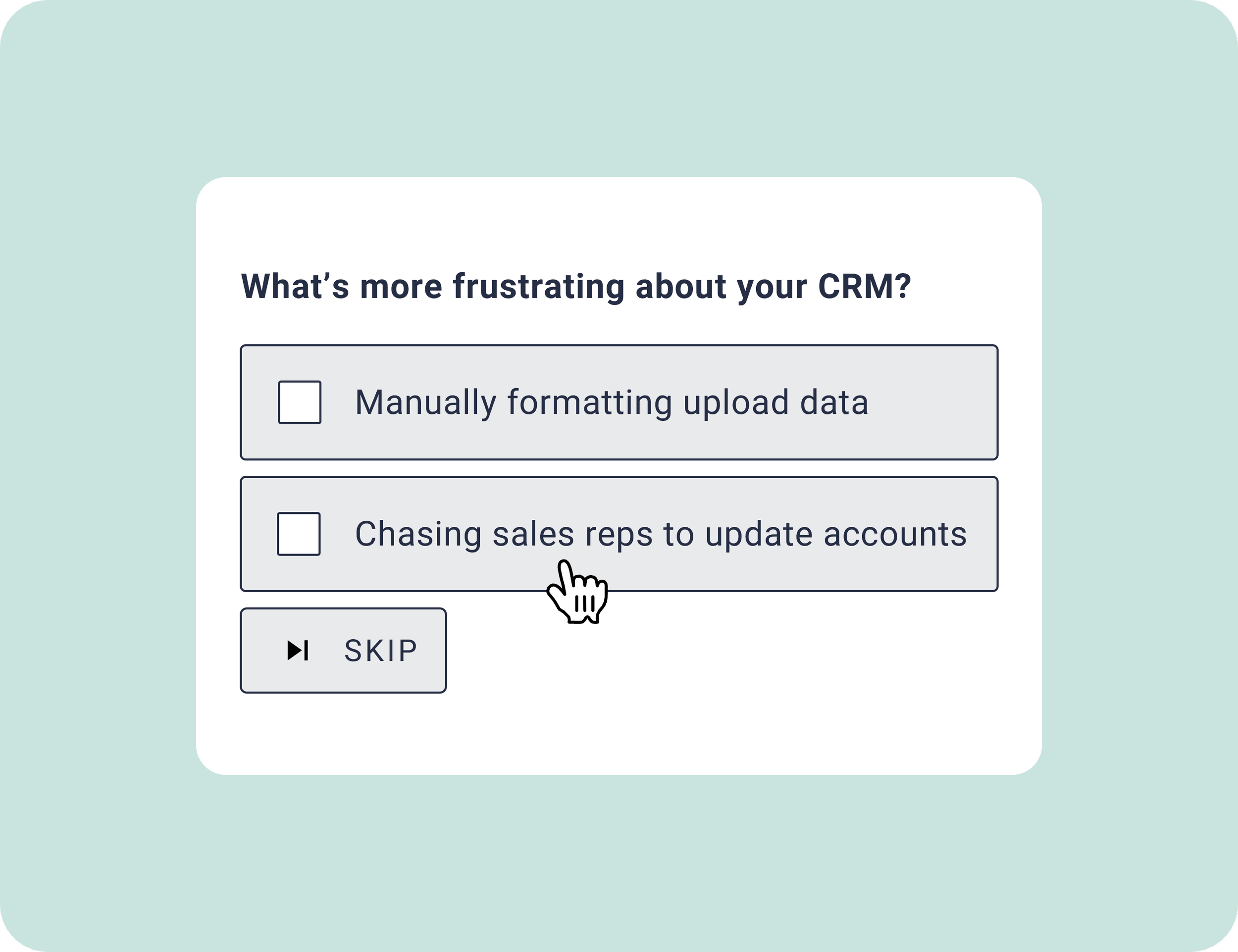
If you've got 10 or more options, showing the whole list at once is rough, especially on mobile. Better to break it into head-to-head votes and rank the options by win rate. That's how Pairwise Comparison works, and it's also a solid way to rank images on mobile.
3. Points Ranking
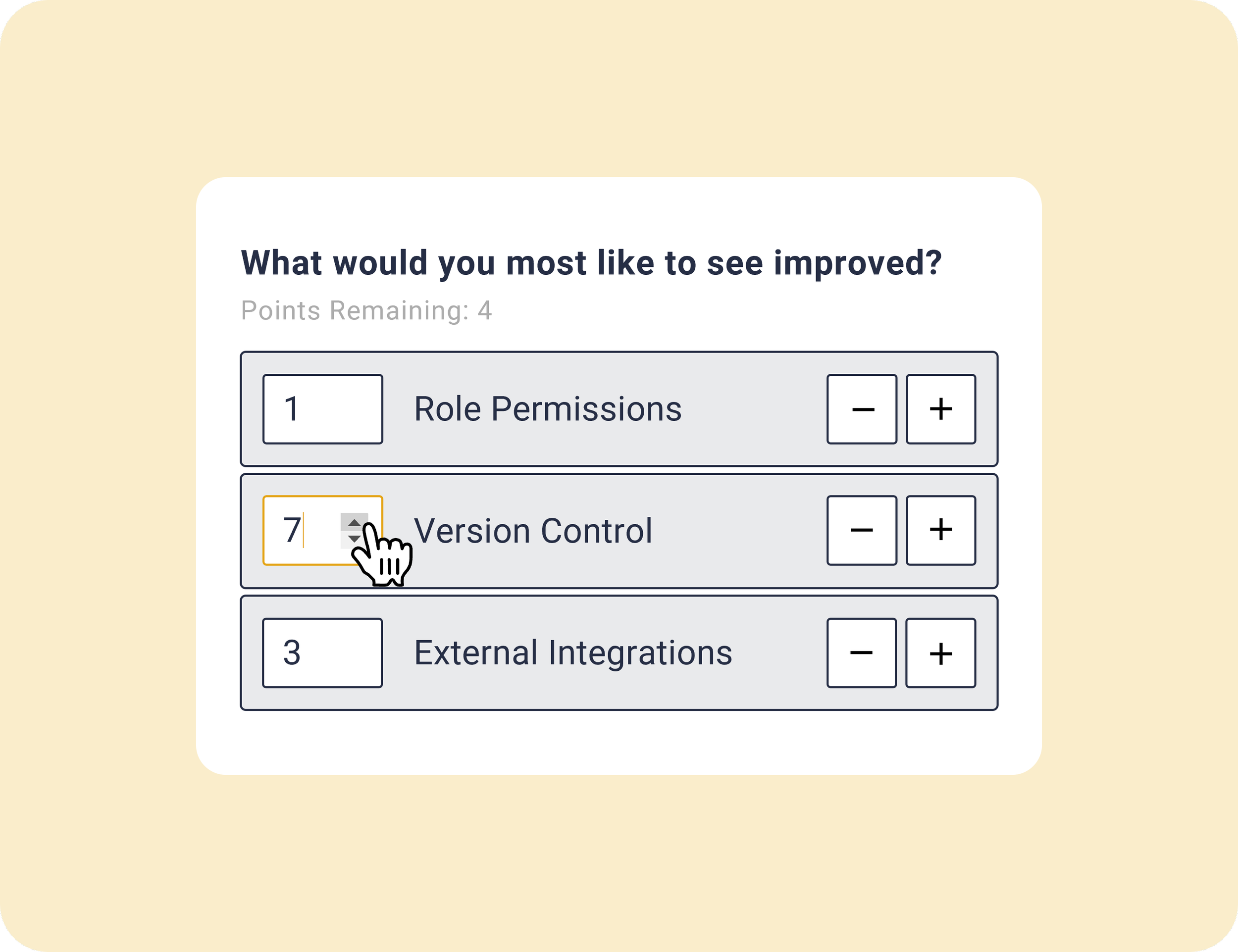
Where Pairwise Comparison captures implicit priorities (what people subconsciously care about), Points Ranking captures explicit ones. Participants split a budget of points across the options, which shows not just the order of their preferences but how strongly they hold them. Learn more about Points Ranking, or create a free Points Ranking survey.
Which tool should you use instead of Google Forms?
All three are free on OpinionX, where you can create unlimited ranking surveys for $0 (no trial, no credit card, up to 25 participants per survey). It's built for ranking, so it scores and segments your results automatically, which Google Forms can't do.
If you'd rather compare the options first, our guide to the best free ranking survey tools breaks down every tool side by side, and we have specific guides for how to rank images and run a Constant Sum survey if Google Forms let you down on one of those.
Frequently asked questions
Can you create ranking questions in Google Forms? Not properly. Google Forms has no dedicated ranking question type. The only workarounds are a Multiple Choice Grid (which doesn't fit on mobile and needs manual configuration) and a Linear Scale (which removes the comparison that ranking depends on). For real ranking you need a purpose-built tool.
How do you rank a list of options in Google Forms? The commonly suggested method is the Multiple Choice Grid, with participants ranking each option in a column. It technically works but is cramped, mobile-unfriendly, and gives you no proper ranked score. A drag-and-drop Order Rank question in a tool built for ranking is far easier.
What's the best alternative to Google Forms for ranking surveys? For ranking specifically, a tool with real ranking formats and analysis, like OpinionX, which offers drag-and-drop Order Rank, Pairwise Comparison and Points Ranking free. See the full comparison of free ranking tools for the alternatives.
Can you do ranked choice voting in Google Forms? Not directly. Google Forms has no ranked-choice or rank-order question, so you'd be stuck with the Multiple Choice Grid workaround. A drag-and-drop Order Rank question captures a ranked choice properly and scores it for you.
Run your ranking survey for free
You can build your first ranking survey in under 5 minutes on OpinionX, with drag-and-drop, pairwise or points ranking, all free. Create a free ranking survey.